Design · · 4 min read
Mobile-First Design Explained
Most visitors now arrive on a phone, so designing for small screens first is no longer optional. Learn what mobile-first design really means, why it improves speed and usability, and how to apply it to your own website.
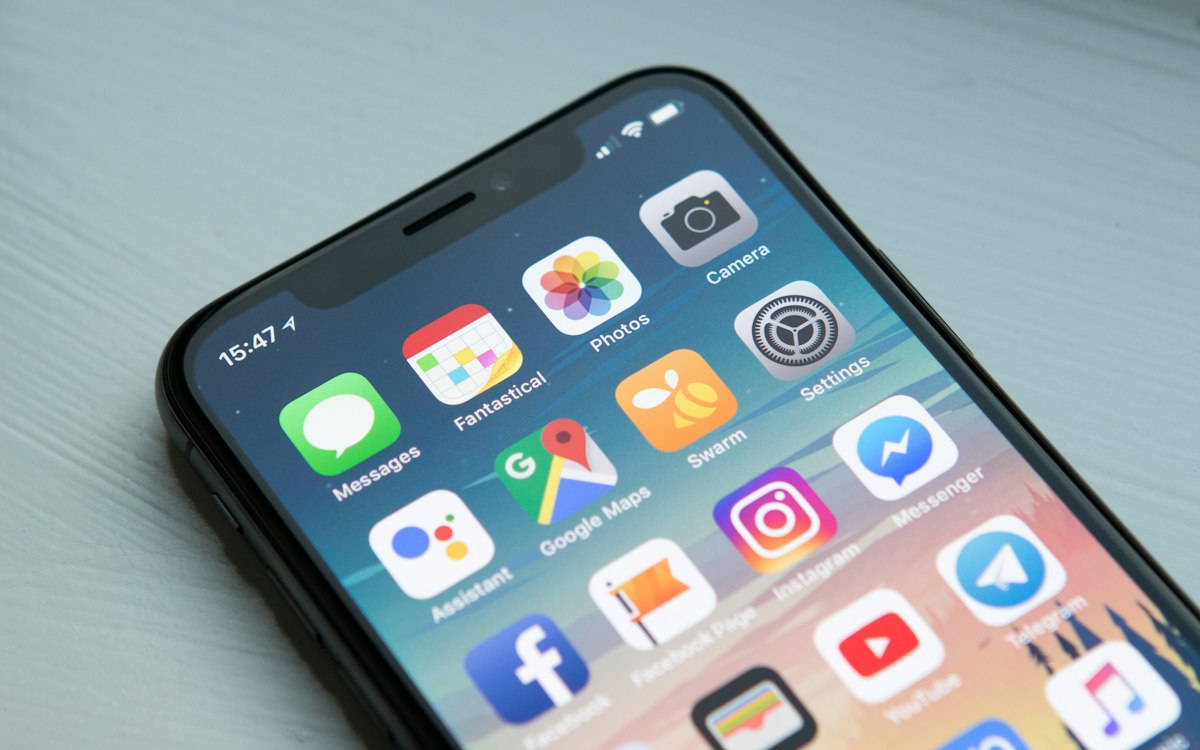
What mobile-first means
Instead of shrinking a desktop layout, you start with the phone experience and add space and features as the screen grows. This forces you to focus on what matters most.
Prioritize content and actions
Small screens leave room for one main idea at a time. Put the key message and the primary button where thumbs can reach them.
Design for touch
Buttons and links need enough size and spacing to tap without mistakes. Keep text readable without zooming and avoid hover-only interactions.
Test on real devices
Browser emulators help, but nothing replaces checking the site on actual phones with slower connections. Fix what feels awkward before launch.
Need help with your project?
Get in touch